SUBTOTAL:
$0.00 CAD


Flat Rate Shipping Australia Wide
Learn more.
Same Day Dispatch Before 12pm

Industry Leading Warranty
Learn more.
Get an active workspace your team will love with Desky. Everything the modern office needs to succeed!
Get Started
Flat Rate Shipping Australia Wide
Learn more.
Same Day Dispatch Before 12pm
Industry Leading Warranty
Learn more.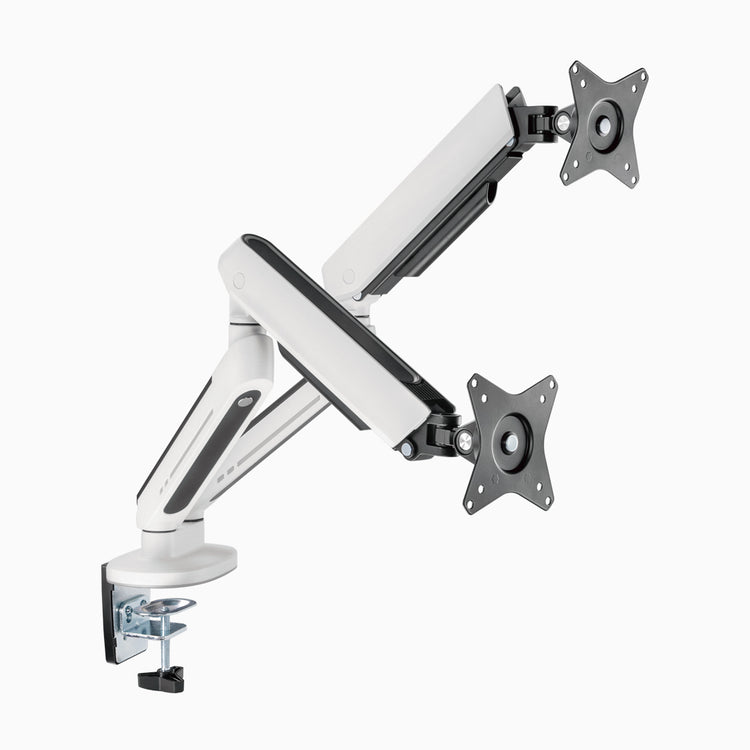
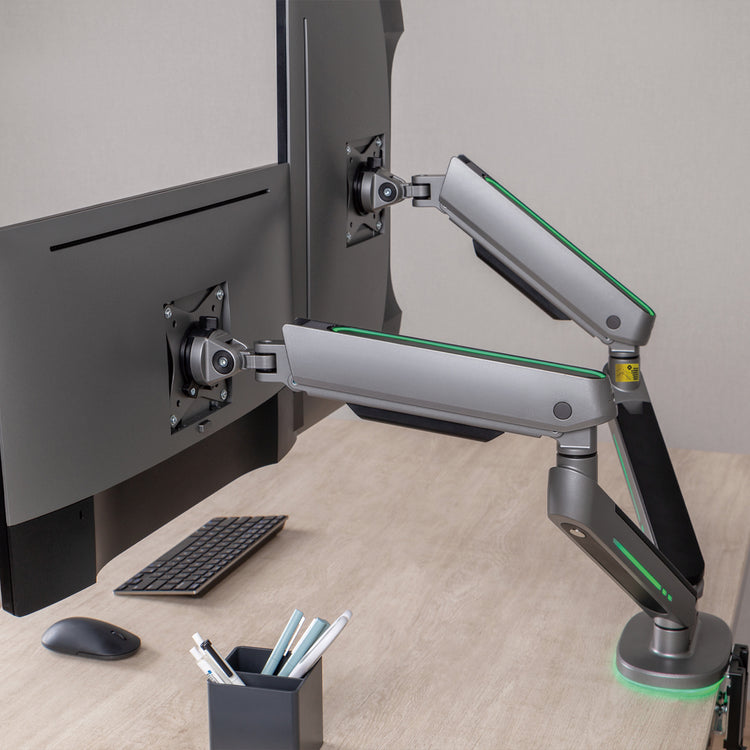
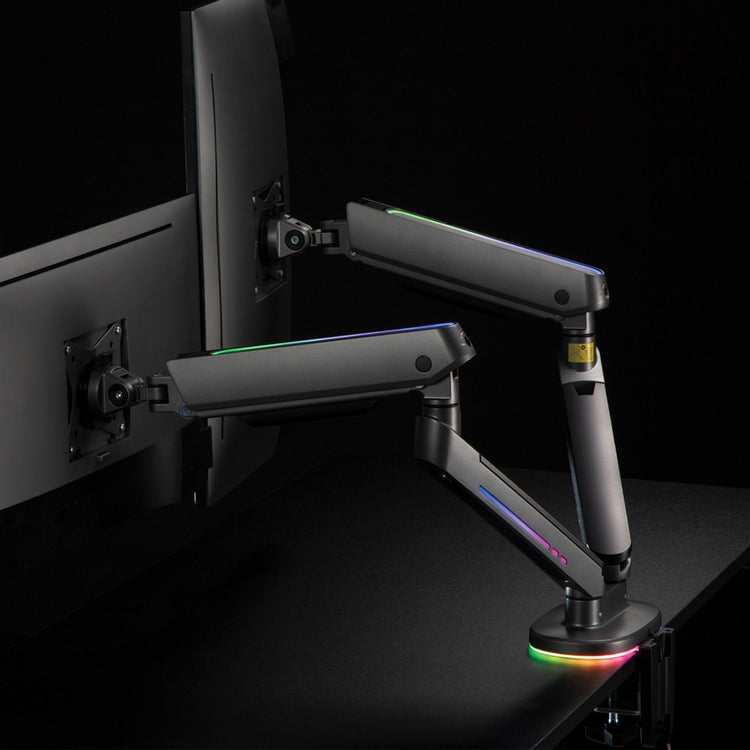
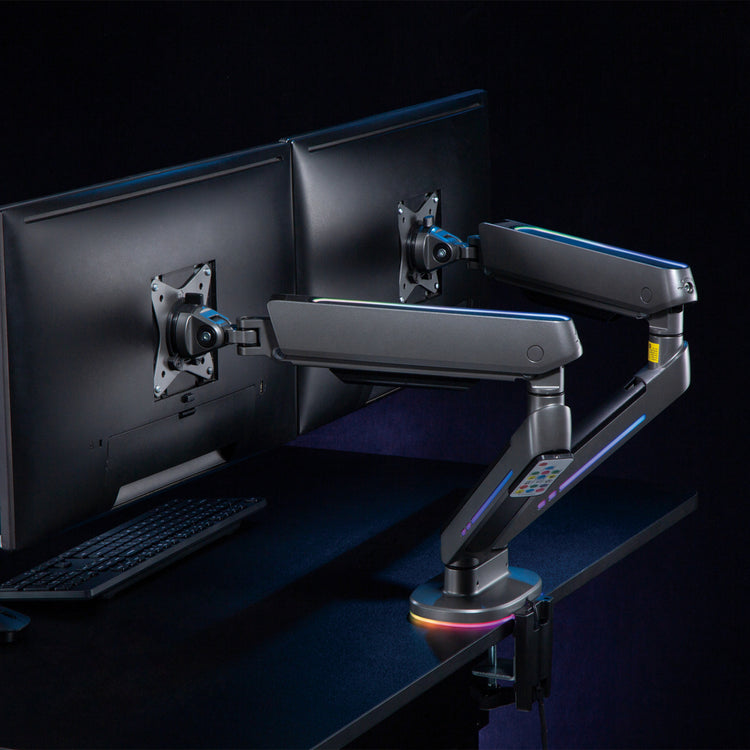
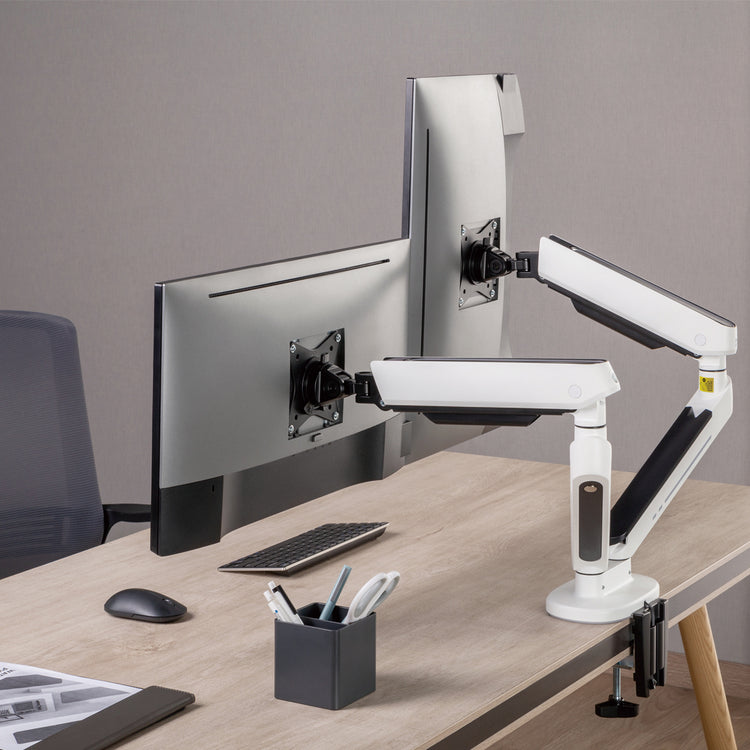
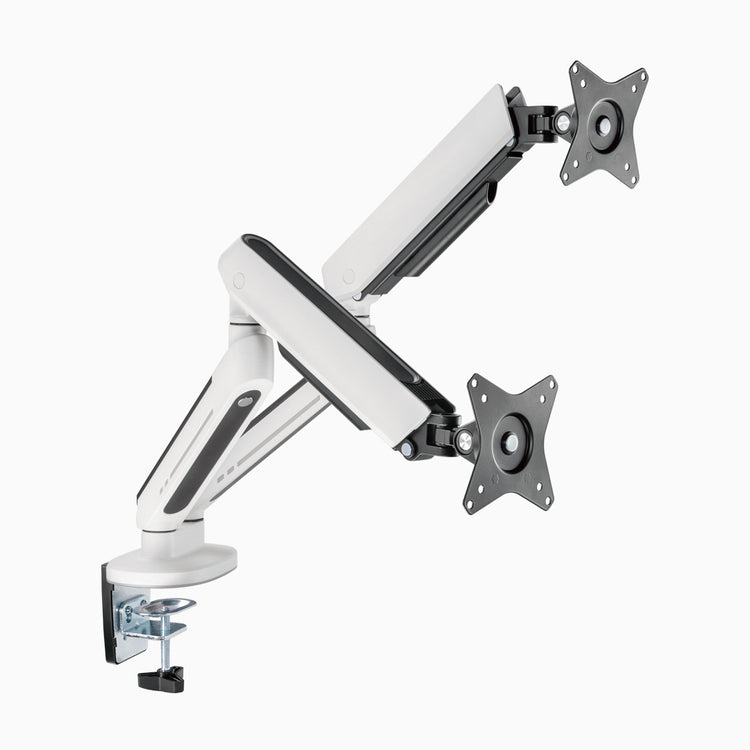
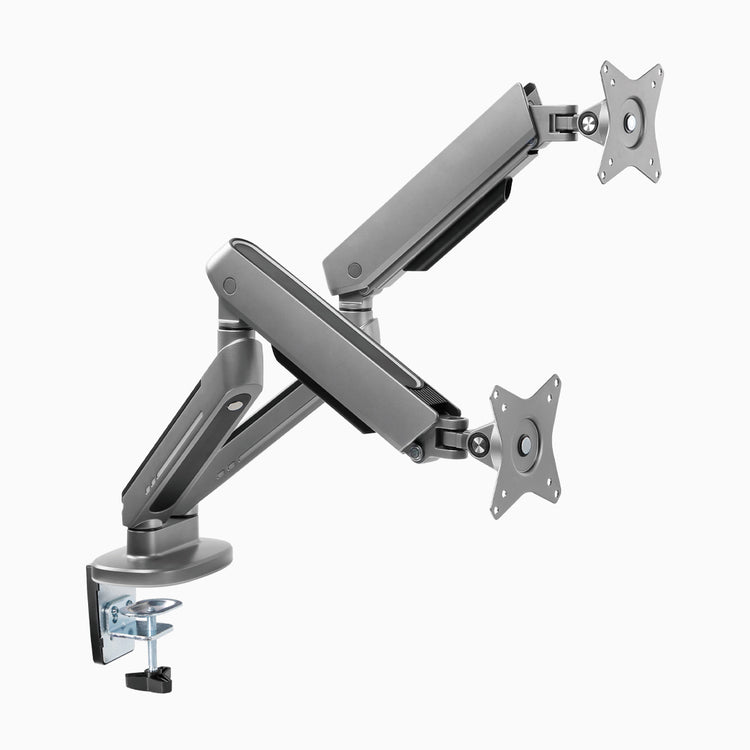
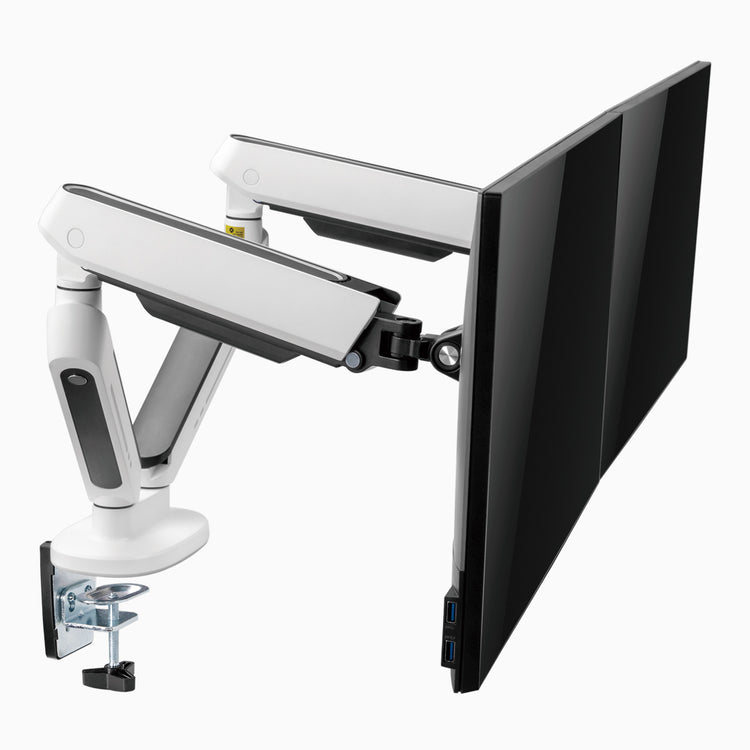
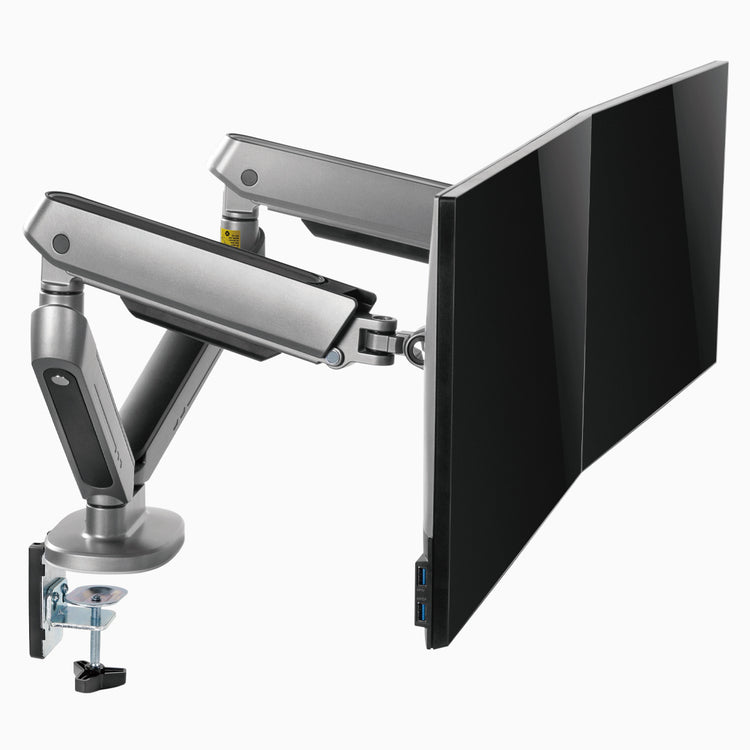
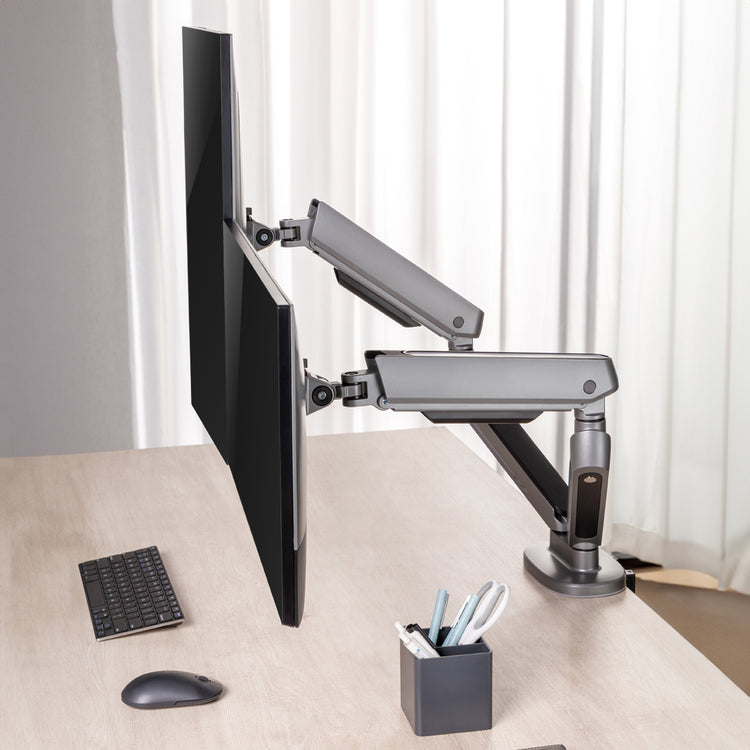
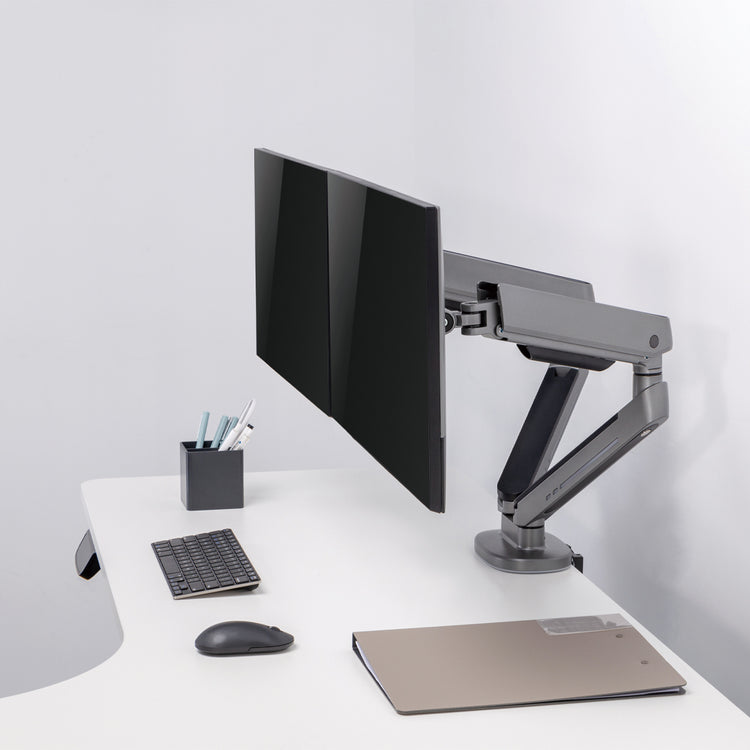


For serious gamers, and those who need both ambience and multi-screen for work, our Almost Perfect Dual LED monitor arm provides elevation, flexibility and style that can’t be beaten. Each arm is fitted with LEDs along the length of the upper and lower arm sections, as well as the base, allowing you to combine our world beating stability and strength with an additional wow factor.
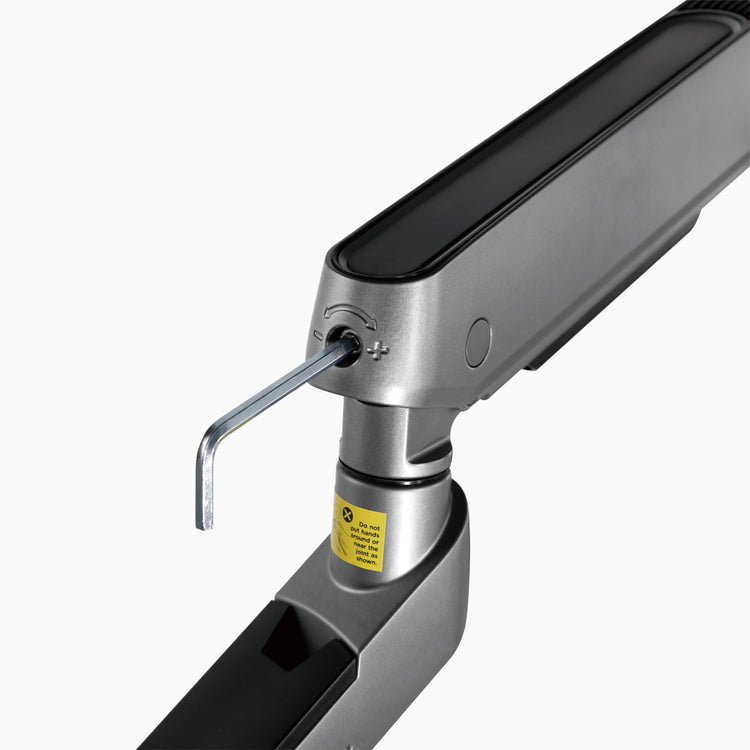
Each arm can maintain 40 degrees of tilt and 90 degrees of swivel, with a built-in adjustable spring gauge allowing you to alter the resistance dependent on the weight of your monitors - for optimum positioning and movement. Meanwhile, in-built 270° rotation stops helps to prevent over-rotation, and related collisions between monitors and walls.
Please note that the imperfections can vary and are not restricted to the examples depicted in the images below.

Lift your screens off the desk to instantly reclaim room for extra gear or a cleaner workflow. The Desky Dual LED Monitor Arm supports two monitors up to 32" and 17.6lbs each with market-leading strength, making it ideal for most dual monitor displays while keeping your workspace minimalist and efficient.
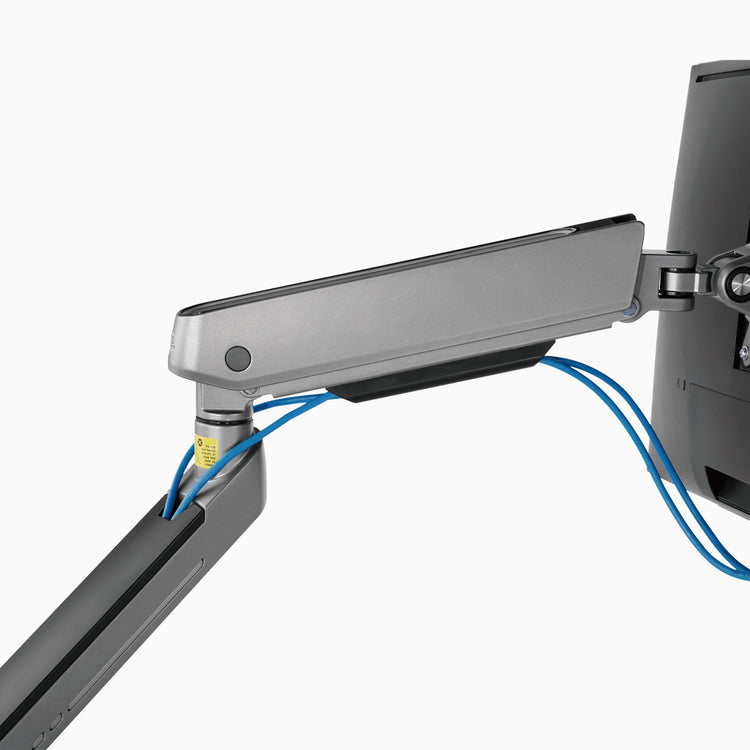
Built from durable steel and featuring a smooth gas spring mechanism, it allows for effortless height, tilt, and rotation adjustments that help you position your screens at the perfect ergonomic angle. Built-in cable management helps keep your space tidy, while vibrant, customizable LEDs light up your desk.
Improve your posture, reduce neck strain, and stay focused for longer in your organized, illuminated workspace.
Min Height
Max Height
Max Weight
Screen Size
Mount your screens in seconds with the quick-release VESA plate which makes installation and swaps fast and easy. Compatible with 3"x3" and 3.9"x3.9" VESA patterns.
No need to crawl under the desk either. The top-fixing clamp lets you secure the arm from above quickly, ensuring the perfect positioning everytime.
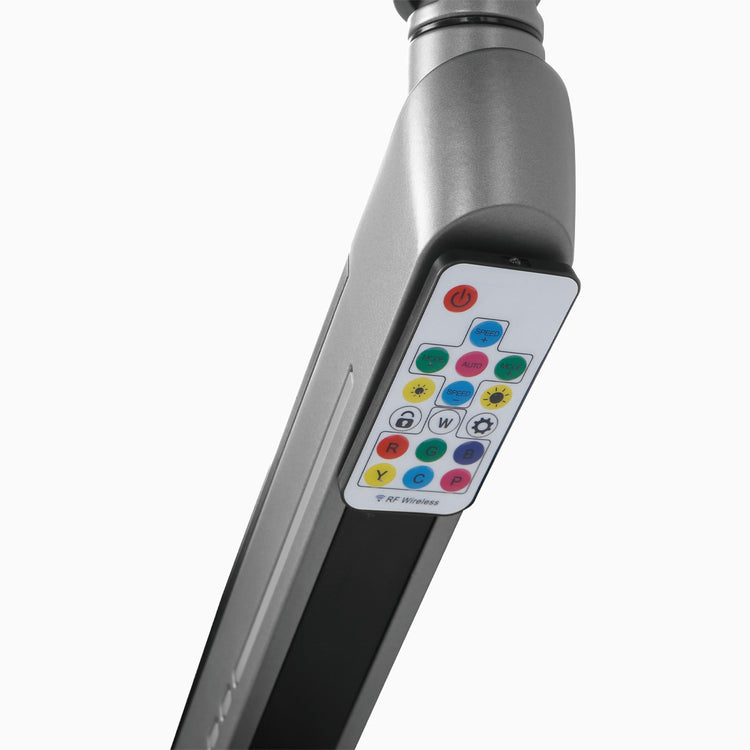
Bring atmosphere to your workspace with integrated strip LEDs along the upper and lower arms, as well as the base. Designed to do more than just illuminate, they let you shape the mood of your entire setup. Go bold with vivid, dynamic effects that command attention, or switch to soft, subtle ambience that keeps you focused and relaxed.
Every LED zone is individually controllable, giving you full freedom to mix colours, layer effects, and fine-tune brightness until your desk feels exactly the way you want it. With an array of customisable lighting options, your monitor arm becomes more than support, it becomes part of the experience.
Say goodbye to messy cables. The Desky Dual LED Monitor Arm includes integrated cable routing channels to keep cords neatly tucked along the arms. This reduces desk clutter, prevents tangling during adjustments, and keeps your workspace looking clean and professional.
Transform your monitor arm into a dual-screen workstation with our VESA-compatible laptop mounts. Align your laptop with your monitor for better posture, reduced neck strain, and improved screen ergonomics.
Perfect for multitasking, these mounts let you adjust height, tilt, and rotation—so you can fine-tune your setup to suit your workflow. Keep your desk clutter-free while maximising screen space and productivity.
| Material | Aluminum, Steel, Plastic |
|---|---|
| Surface Finish | Powder Coating |
| Color | White, Space Gray |
| Dimensions | 1051x152x622mm (41.4"x6"x24.5") |
| Weight Capacity | 2-8kg (4.4lbs~17.6lbs) |
|---|---|
| Fit Screen Size | 17"-32" |
| VESA Compatible | 2.9"x2.9", 3.9"x3.9" |
| Installation | Clamp or through desk |
* Supports two monitors 32" and under, weighing 4.4lbs - 17.6lbs
each
* Not suitable for monitors under 4.4lbs or over 17.6lb– use the Desky Heavy Duty Single Monitor Arm (24lbs+) or the Desky Ultrawide Monitor Arm for 4.4-44.1lbs
monitors, this is also best for larger monitors to sit side by side.
* Fits monitors with 2.9"x2.9" or 3.9"x3.9
VESA mounts.
* Clamp fits desktops up to 50mm thick; through-desk mount increases to 85mm.
Note: If your monitor weighs more than 17.6lbs, the arm won’t be able to support it properly. This will cause the arm to slowly lower to its lowest position despite tension adjustments, which may damage the arm or monitor over time.
The Desky Dual LED Gaming monitor arm can be fitted to your desktop using the included desk clamp or by drilling a hole in the desktop and using the bolt-through mount to secure the arm directly to the desktop.
Yes! This monitor arm can be used with any desk so long as the desktop thickness is between 0.3" to 3.3", using either the desk clamp or bolt through desk installation.
If your iMac has a VESA adapter, this monitor arm will be compatible—as long as your iMac weighs under 17.6lbs.
If you don’t already have an adapter, you can purchase our iMac VESA Adapter, designed for models without a built-in VESA mount. Please check the specifications to make sure that this will be compatible with your particular iMac model.
You can read our full article on how to setup and position your monitor arm in the most ergonomic position here. In short:
Height - the ideal height for your monitor is when your eye level is just below the top of the screen. Tilting your head backward or forward can cause neck strain.
Distance - as a general rule, the length of your arm is roughly the distance you want between your eyes and the monitor. This will mean you do not have to crane your neck forward and will help to avoid neck and eye strain.
The base of the monitor arm will not move if bolt-mounted to the desktop or if the clamp is tightened correctly. However, it is not possible to fix the position of the arms in place or stop movement around the joints of the arm if knocked. The monitor tilt adjustment can be tightened so that its position will not change if accidentally knocked.