SUBTOTAL:
$0.00 CAD


Flat Rate Shipping Australia Wide
Learn more.
Same Day Dispatch Before 12pm

Industry Leading Warranty
Learn more.
Get an active workspace your team will love with Desky. Everything the modern office needs to succeed!
Get Started
Flat Rate Shipping Australia Wide
Learn more.
Same Day Dispatch Before 12pm
Industry Leading Warranty
Learn more.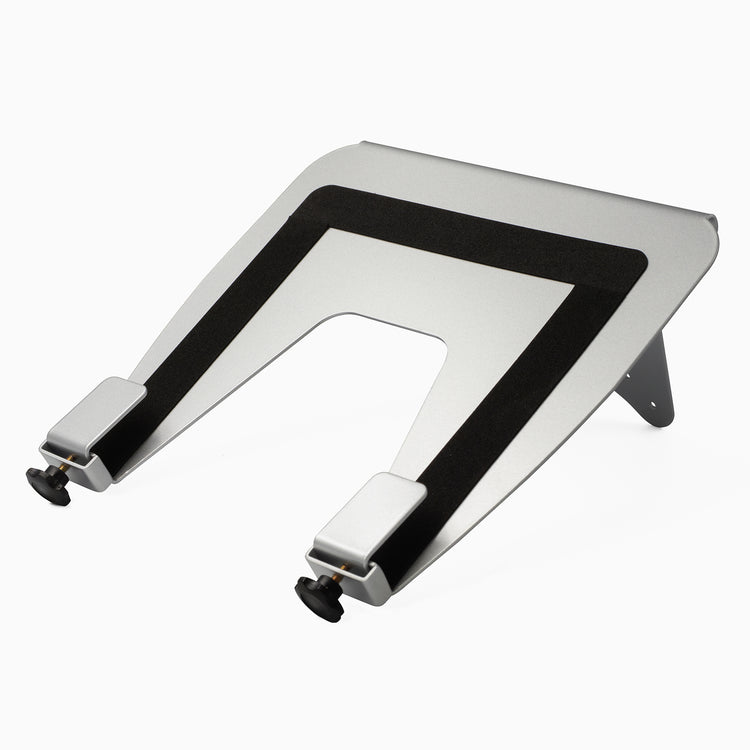
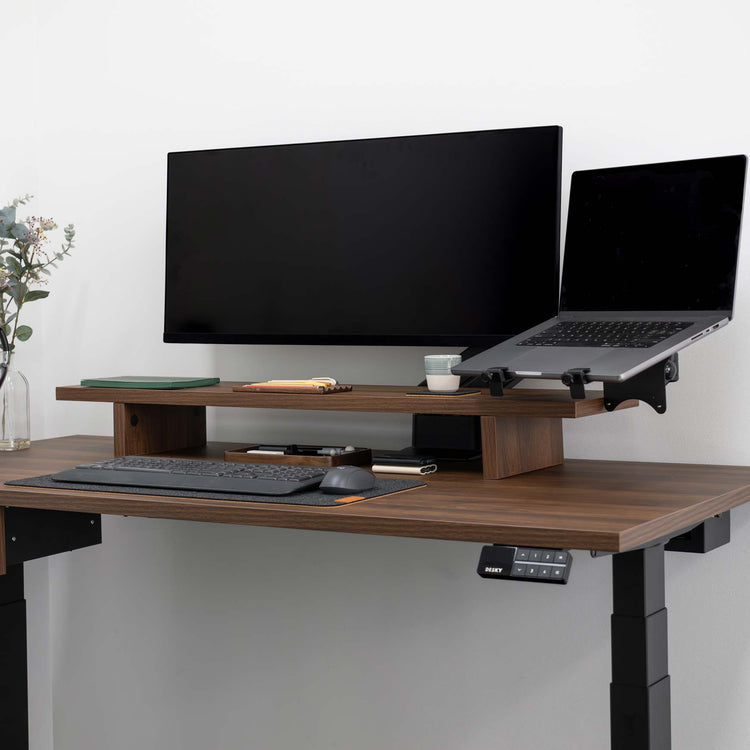
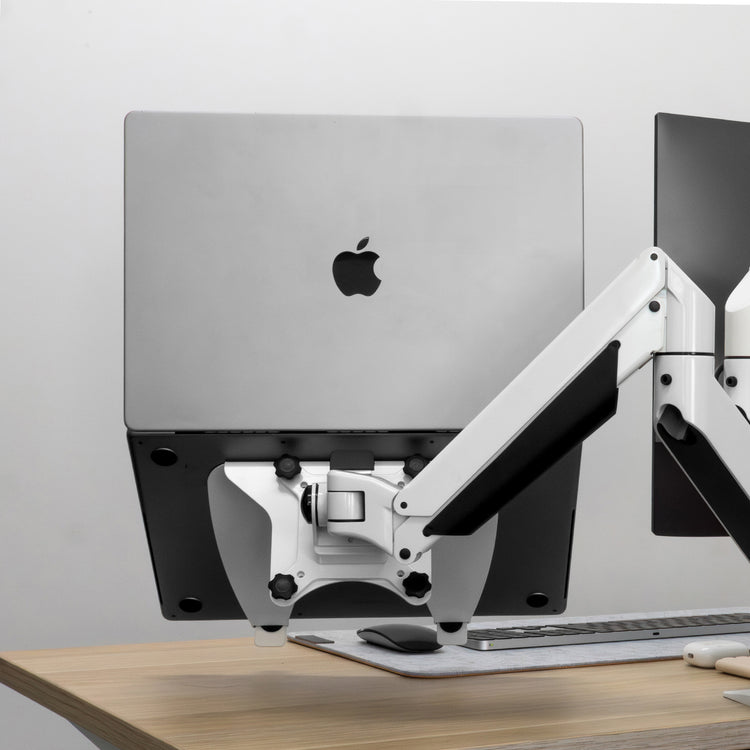
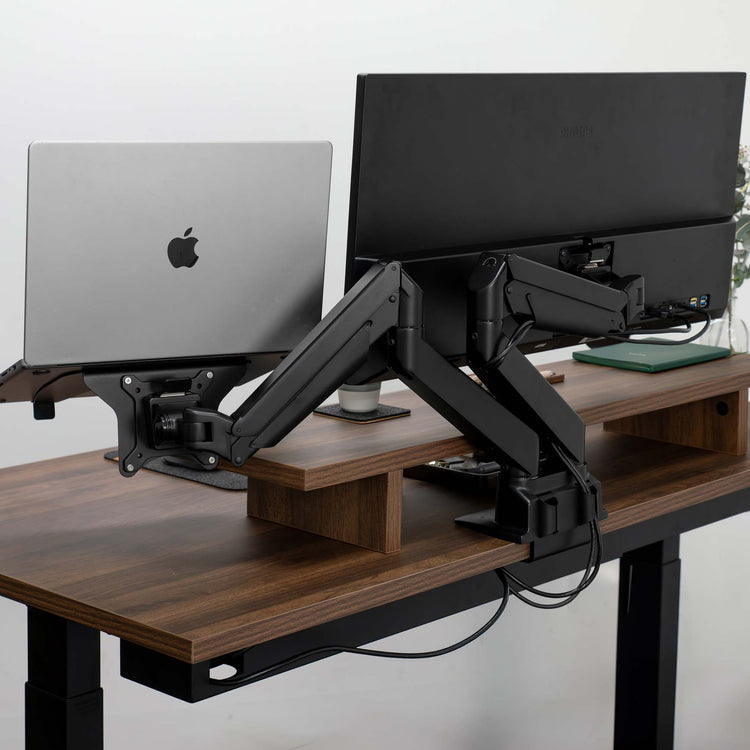
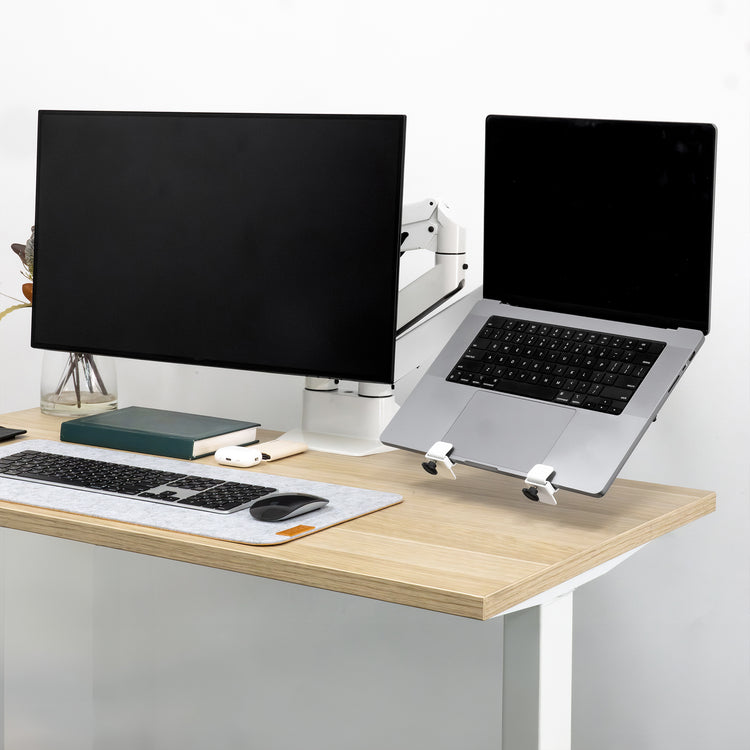
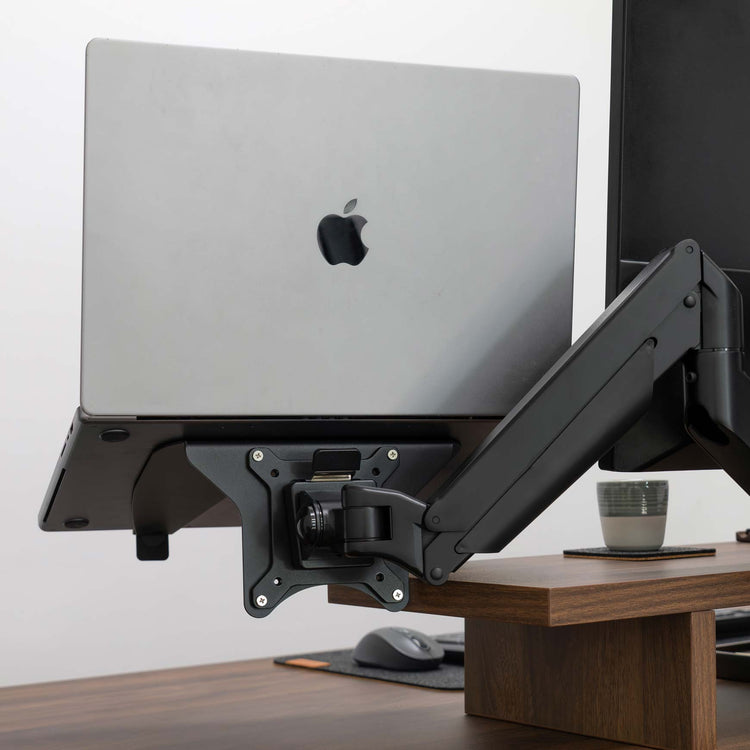
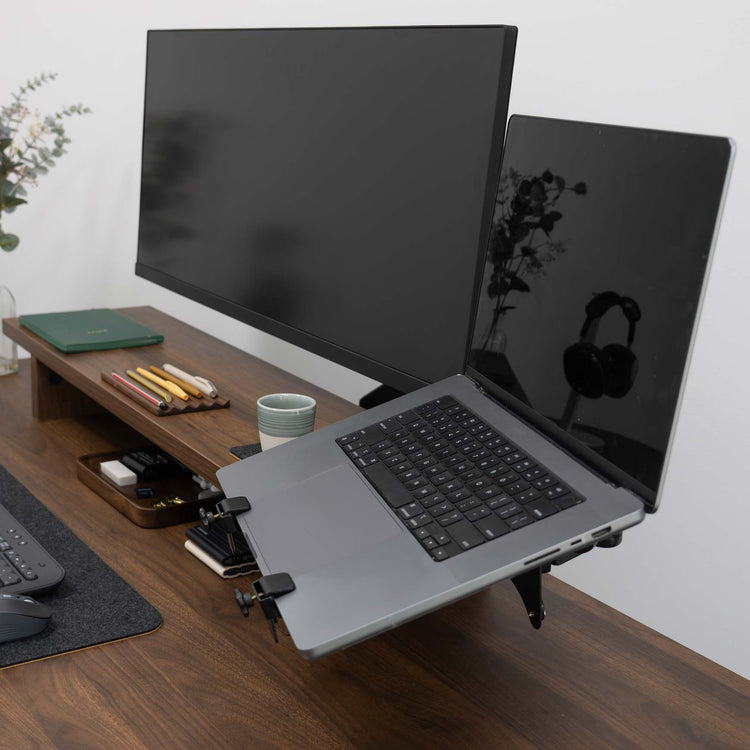
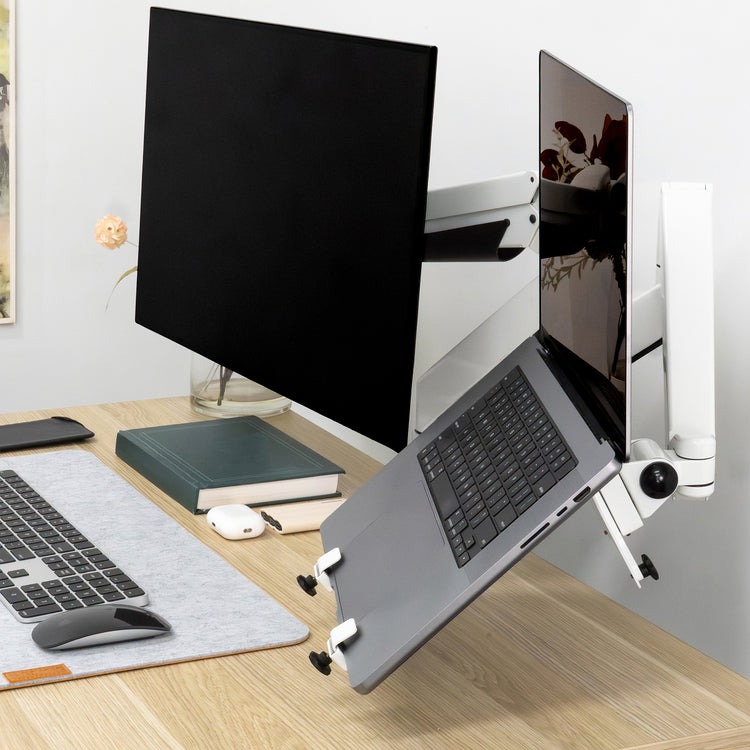
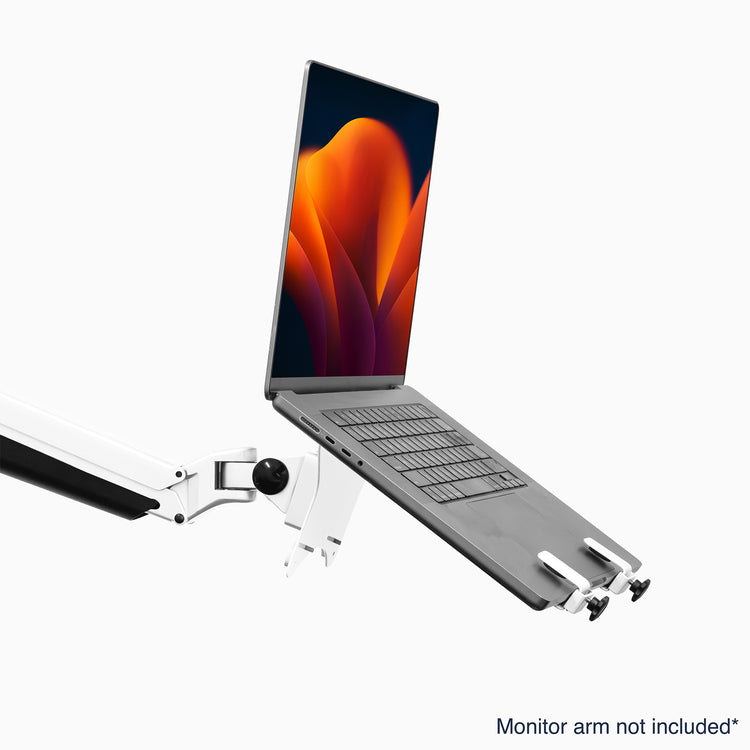
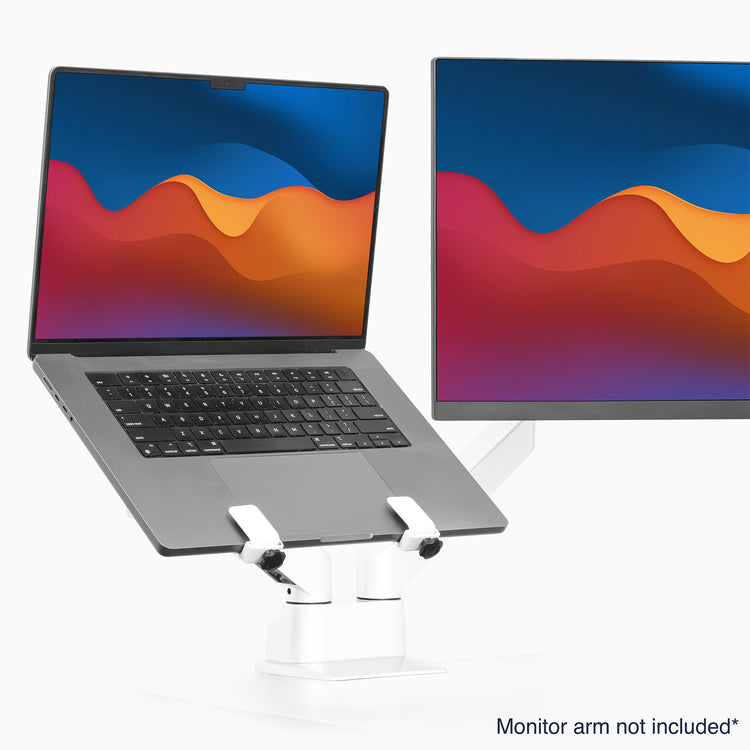
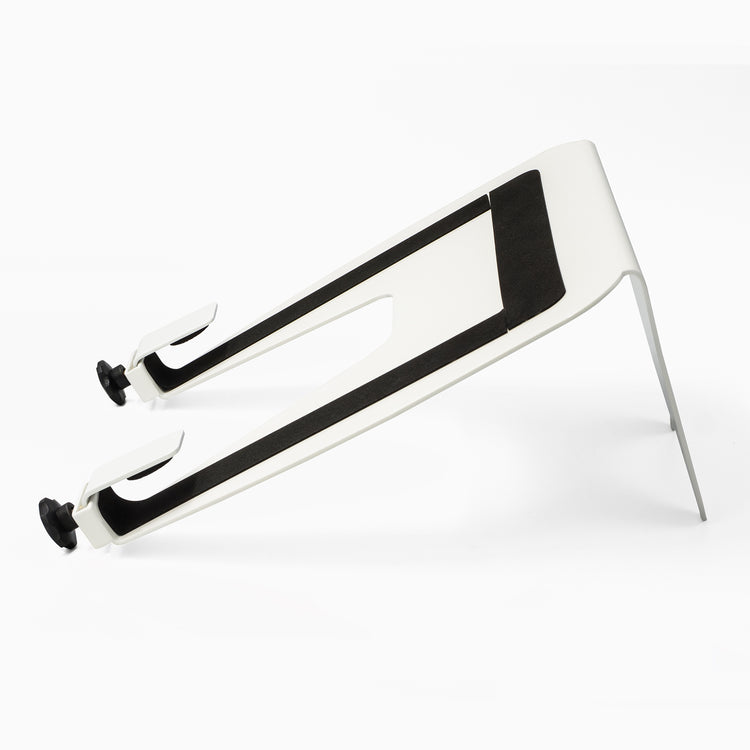
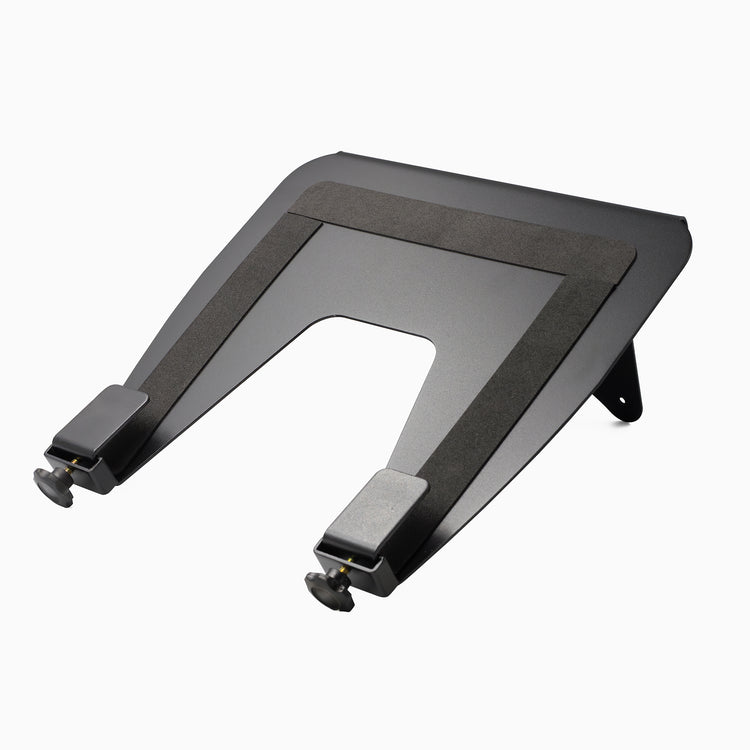
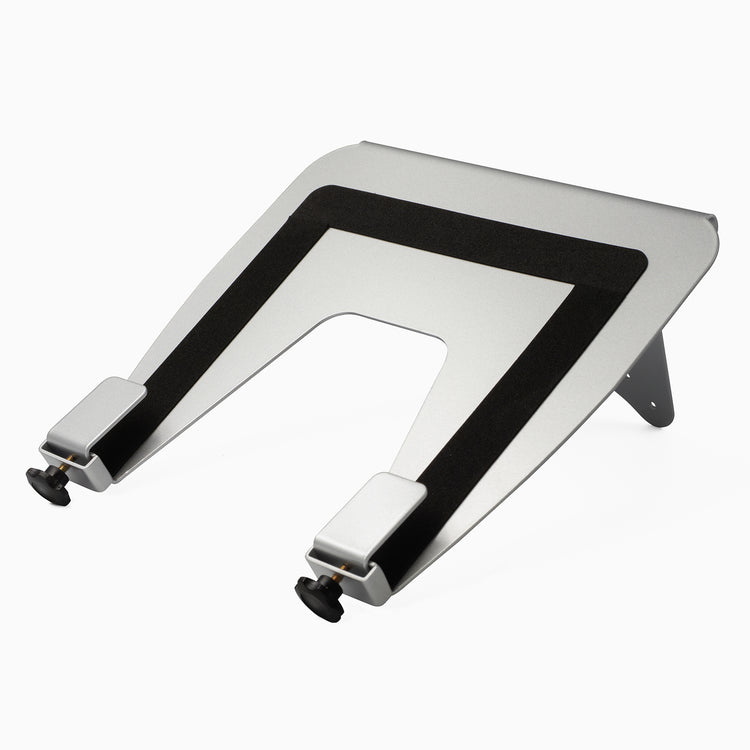
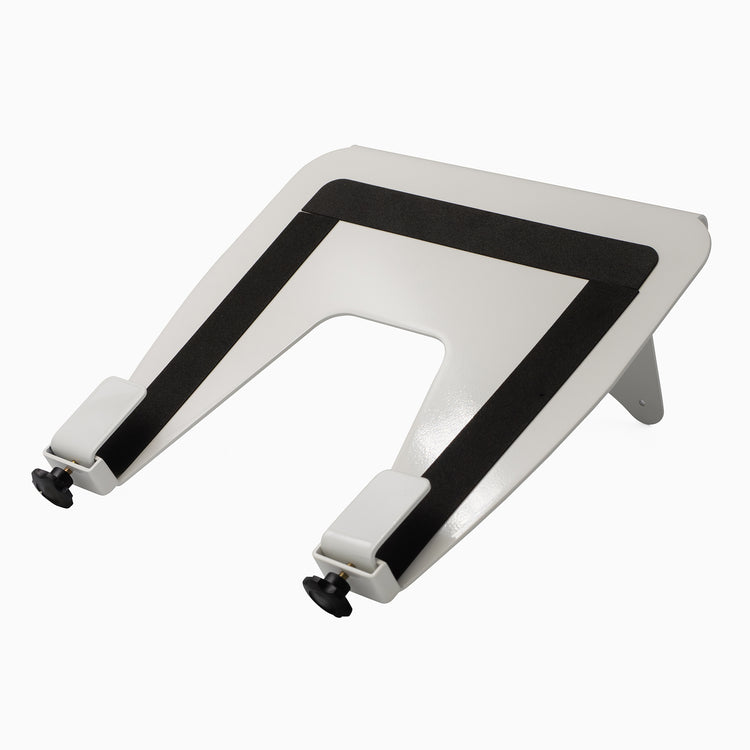


If you value the convenience of being able to easily move your laptop from home to the office, it's important to prioritize your well-being as well. The Desky Universal Laptop mount offers a solution by fitting onto any arm with a VESA fitting. This means that wherever there is a monitor arm available, you can quickly elevate your laptop and improve your workstation setup.
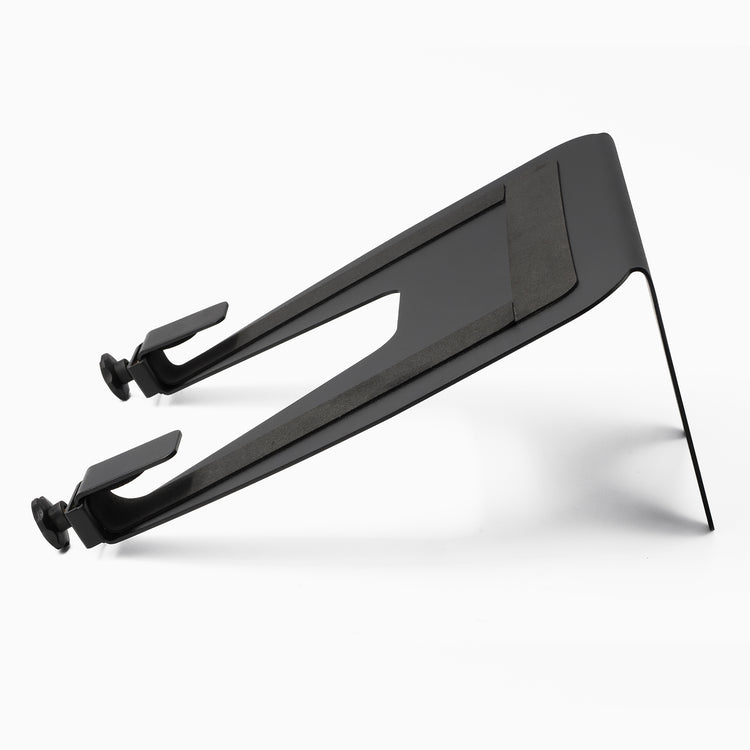
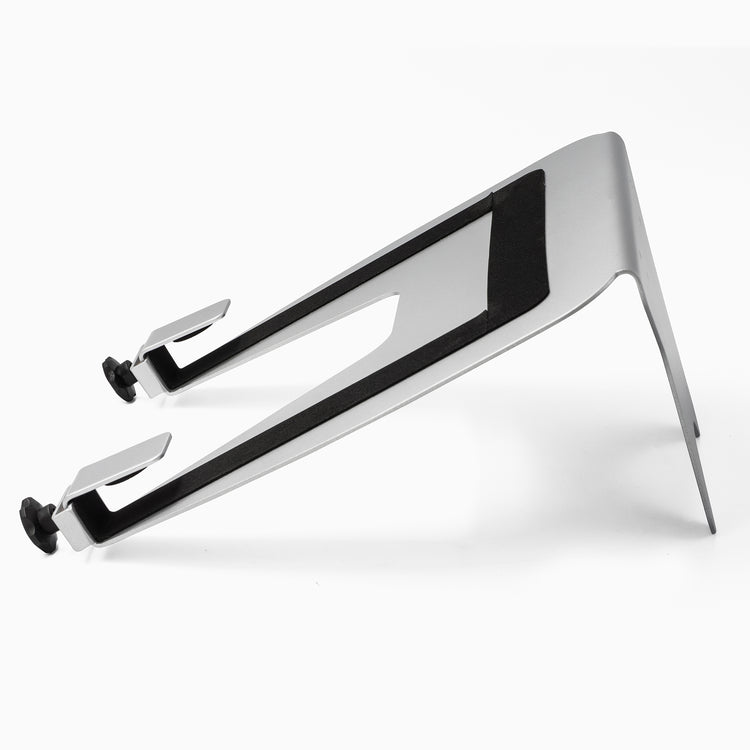
The VESA laptop mount comes with a rubber grip to ensure that your laptop stays in place and you can adjust its position with confidence. By using the front clamps, you can quickly secure your laptop in the mount. While regular laptop stands are good, combining our laptop mount with an adjustable monitor arm creates the ultimate ergonomic setup for using your laptop.
Please note that the imperfections can vary and are not restricted to the examples depicted in the images below.

Instantly lift your laptop off the desk and create a cleaner, more efficient workspace. The Desky Universal Laptop Mount pairs seamlessly with any VESA-compatible monitor arm to position your screen at the perfect ergonomic height. Its sturdy design supports laptops of all sizes and can carry laptops up to 22lbs, improving your posture and reducing neck strain.
Max Weight
3"x3"/3.9"x3.9"
Max Weight
Installation
This laptop mount is designed to pair seamlessly with any VESA-compatible monitor arm (3"x3" or 3.9"x3.9"). The universal design makes installation incredibly fast and easy, allowing you to quickly secure your laptop and instantly transform your monitor arm into a dedicated ergonomic workspace.
No need to crawl under the desk either. The top-fixing clamp lets you secure the arm from above quickly, ensuring the perfect positioning everytime.
This mount is engineered to protect both your laptop and your desk. The open bottom design and non-slip pads work together as a heat sink, ensuring constant airflow to keep your laptop cool and running at peak performance, even during demanding tasks.
For ultimate security, the mount features protective rubber backing to prevent scratches and a sturdy safety lip that prevents your laptop from slipping off the edge. This design ensures your valuable device stays stable and secure in its elevated position, giving you total peace of mind.
The Universal Laptop Mount transforms your monitor arm into a dedicated ergonomic stand. When paired with our Desky Single Monitor Arm or our Desky Dual Monitor Arm, it securely supports laptops between 4.4lbs and 22lbs. Lifting your laptop to eye level instantly aligns your screen for better posture, significantly reducing neck and shoulder strain associated with looking down at a flat desk.
This setup grants you full control over height, tilt, and rotation, allowing you to fine-tune your laptop's position to your exact needs. By optimizing your line of sight, you create an ideal, clutter-free workstation that promotes better focus and sustained productivity.
| Laptop Sizes | All Laptop Sizes |
|---|---|
| Weight Capacity | 4.4 to 22 lbs *determined by monitor arm weight limit |
| VESA | 3"x3", 3.9"x3.9" |
| Product Weight | 2.5 lbs
|
|---|---|
| Available Finishes | Matte Black, White |
| Mounting Options | On any Desky Single or Dual Monitor Arm w/ VESA Mount |

No, this does not include a monitor arm. The Laptop Mount easily attaches to any monitor arm that has a 3"x3" or 3.9"x3.9" VESA mount.
The Desky Universal Laptop Desk Mount will fit any laptop size and securely hold it in place with a non-slip rubber grip and two front laptop hooks.
Yes, the Universal Laptop Mount will attaches to a 3"x3" or 3.9"x3.9" VESA mount and is compatible with any of our Desky monitor arms and is compatible with most other brand monitor arms.
The weight limit will depend on the weight limit of the monitor arm that you are using to attach the laptop arm mount.
You can read our full article on how to setup and position your laptop mount/monitor arm in the most ergonomic position here. In short,
Height - the ideal height for your monitor is when your eye level is just below the top of the screen. Tilting your head backward or forward can cause neck strain.
Distance - As a general rule, the length of your arm is roughly the distance you want between your eyes and the monitor. This will mean you do not have to crane your neck forward and will help to avoid neck and eye strain.